
CRM system development
Bring leads, deals, communications and tasks into one workspace. Shape your CRM around the sales funnel and customer service workflows you actually use.
No specification yet? Start with your idea and the problem to solve.
01 / CAPABILITIES
What we can build
Sales and customer records
Customer profiles, interaction history, pipelines, tasks and lead assignment.
Workflow automation
Notifications, approvals, document templates and event-driven actions.

Integrations and reporting
Connect your website, telephony, email, messaging apps and accounting tools.
02 / DELIVERABLES
What your team receives
Start with how a lead becomes a customer. Define stages, required data, team actions and the metrics used to track progress.
-
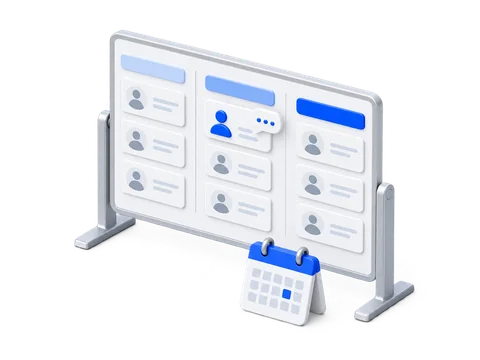
CRM model
Define records, deal stages, roles and staff permissions.
-
Team interfaces
Workspaces for sales, management and support.
-
Migration and integrations
Clean records, transfer history and connect lead sources.
-
Launch and training
Pilot with a selected team, documentation and a development roadmap.
03 / OUR EXPERIENCE
Projects by our team
View all case studiesThese projects demonstrate dashboards, data handling and integrations: individual parts of business systems. See each case study for its actual scope.
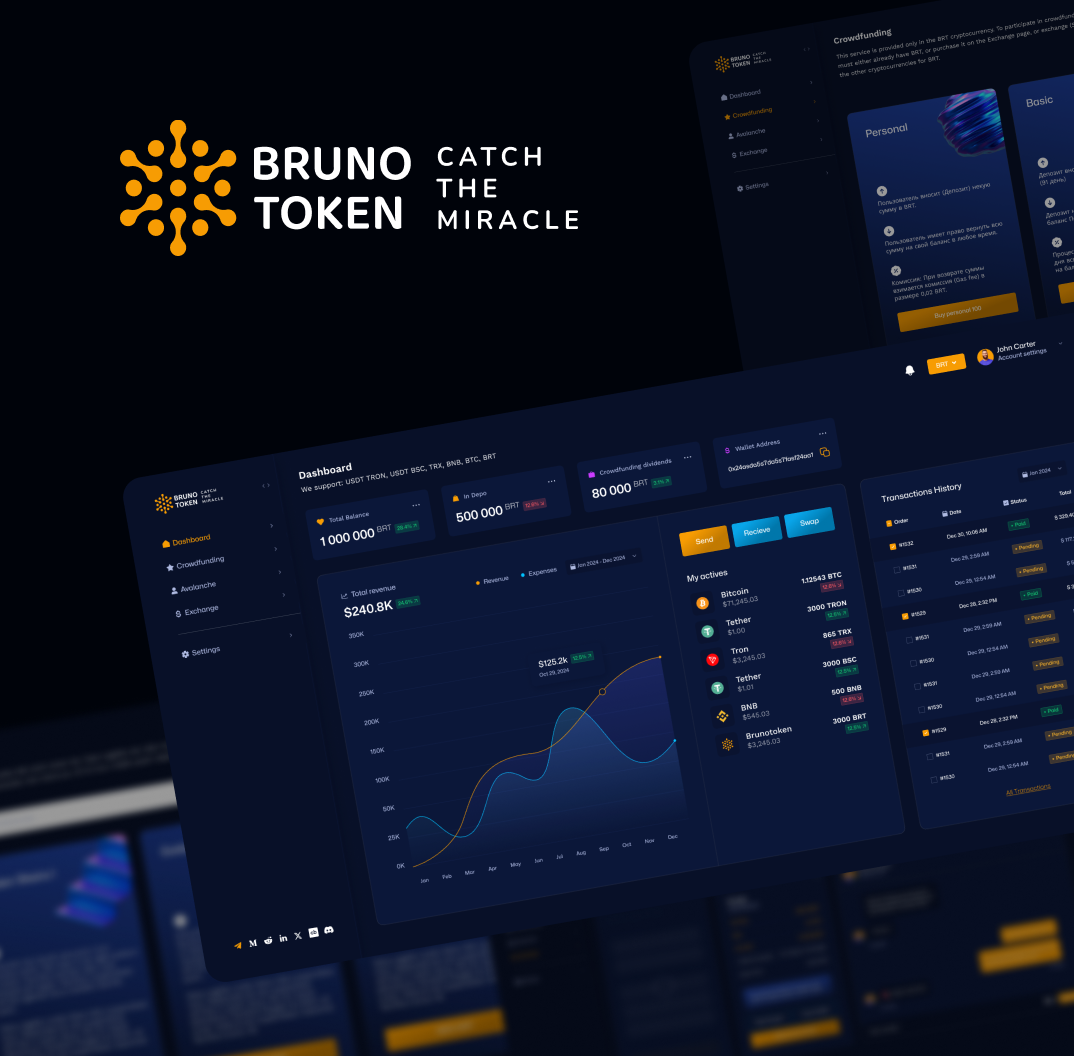
Brunotoken Web
Cryptocurrency Platform for Investors
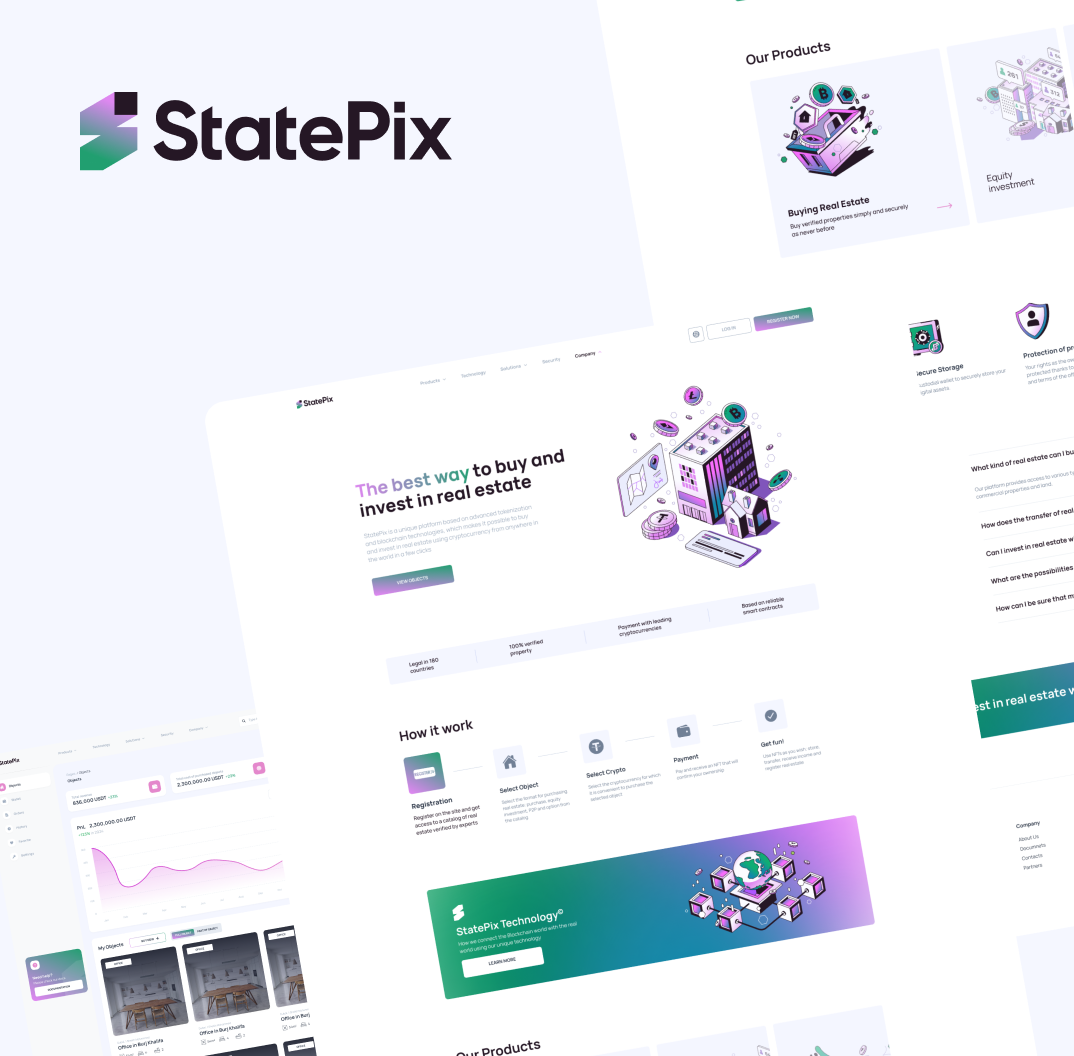
StatePix
Platform for Buying and Selling Real Estate via NFTs

Alo Finance
Investor Dashboard
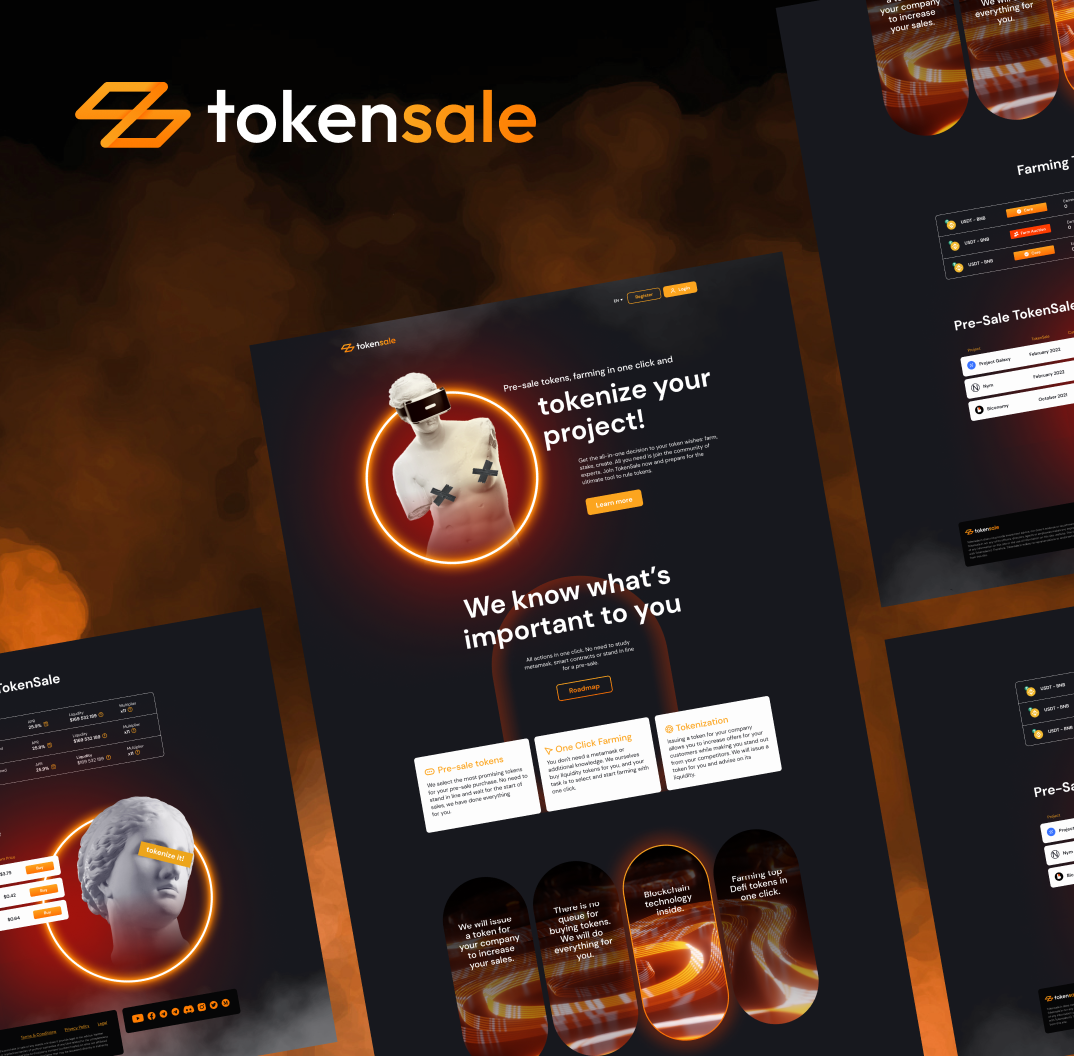
Tokensale
Web wallet and DeFi platform

Keyaki
Investment Company Website
04 / ENGINEERING
What we consider before development
Existing or custom CRM
Compare adapting a platform with building a bespoke system.
Customer data quality
Handle duplicates, change history and record-merging rules.
Team adoption
Remove unnecessary steps and validate usability on real sales tasks.
Technologies and integrations
Technologies
05 / COST AND TIMELINE
An estimate tailored to your project
We agree on the first release and acceptance criteria, then estimate development, integrations and testing by stage.
First release
Pipelines, records, roles and staff workflow automation.
Logic and integrations
Lead channels, telephony, email and customer history migration.
Testing and launch
Assignment-rule testing, pilot rollout and staff training.
06 / PROCESS
From discussion to a working product
-
Understand the scope
Review the product, users and constraints. Agree on priorities.
-
Design the solution
Define workflows, architecture and acceptance criteria.
-
Build and validate
Share progress and test features and integrations.
-
Release and hand over
Prepare the release, deliver source code and agree on further support.
What our clients say
All reviewsIn the end, we received a complete, working product. The team is responsible, stays in touch and is committed to the outcome. I can recommend them for complex development projects.
Product development
Review excerpt
The team immersed themselves in the project and proposed a clear architecture and a phased work plan. All the key MVP features were implemented with security and scalability requirements in mind.
Crypto wallet · Web & Mobile
Review excerpt
07 / GOOD TO KNOW
Questions and answers
When should we choose a custom CRM?
A custom CRM can fit workflows, roles and integrations that an off-the-shelf platform cannot support efficiently. We compare configuration and custom development before recommending an approach, including implementation, licensing and maintenance costs.
What does CRM implementation include?
Analysis of your sales and service processes, configuration of pipelines, tasks and notifications, data migration, integrations, staff training and support during the first weeks. We roll it out in stages so the sales team never stops working.
Which services do you integrate a CRM with?
Phone systems and call tracking, website forms, messaging apps, email, accounting, payments and marketing tools. We connect inquiries and deals to a shared customer record.
How long does CRM development take?
We estimate the sales workflows, user roles, integrations and migration of customer records. Starting with the core sales pipeline lets your team use the first release while additional features are developed.
How do you migrate data from the old system?
We export contacts, deals and communication history, remove duplicates, map fields to the new structure and verify integrity on a staging environment. The switchover happens without losing data or history.
Do you train the staff and support the system afterwards?
Yes: we run role-based training, prepare guides and stay on support — adjusting processes, adding reports and integrations, and evolving the system as the business grows.
Discuss your project
Let’s start with your project
Tell us what you want to build or improve. We will discuss the first release, dependencies and next steps.