BLOCKCHAIN AGENCY // IN WEB3 SINCE 2018

development of blockchain projects for WEB3 business

From idea to production. Technical specification, prototypes, architecture, design, development, testing, and server infrastructure. Turnkey delivery with a single contractor.

/01
111
Projects in the portfolio
turnkey
/02
100+
Total projects
including NDA
/03
33+
Blockchains we use
for client projects
/04
25+
Specialists in
the crypto industry
/05
8 years
We develop
blockchain projects
/06
274
Technologies we use
for your projects
/06
30+
Tools for
solving tasks

Our services

We take on a project at any stage: architecture, development, audit, scaling. We deliver a demo every 2 weeks. We solve business tasks on-chain: payments, access, loyalty programs, DeFi mechanics. Safe and measurable.

Smart Contracts

We design and write contracts for EVM/TON/Solana. Tests, roles, upgrades. We prepare for external audits and deployment.

Decentralized applications

Our decentralized applications offer a new level of control and protection for users. We will help you develop an application that runs on blockchain technology and allows users to control their data and funds without intermediaries. Our team of experts guarantees fast and high-quality implementation of your project.

Blockchain
games

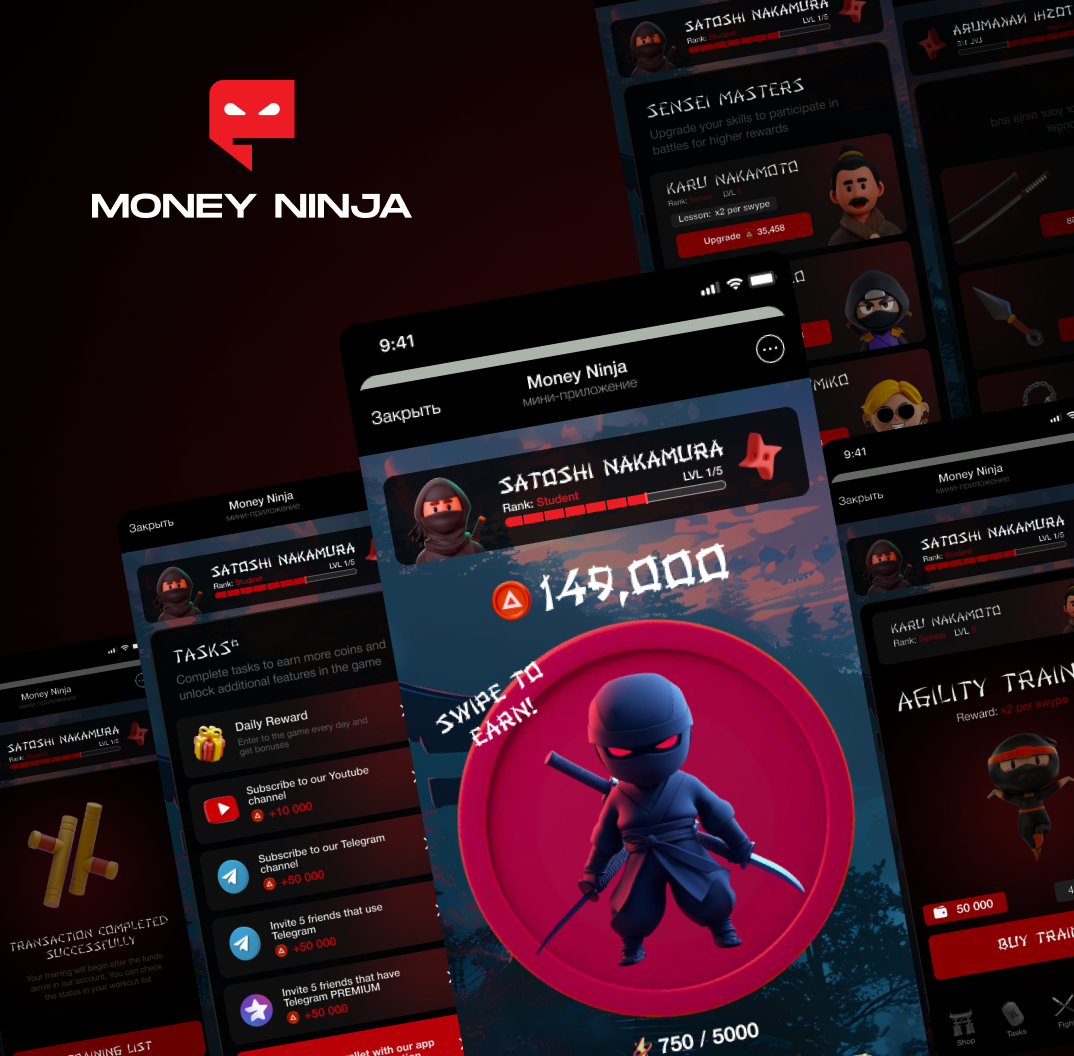
We develop unique blockchain games that allow users to gain real value for their gaming achievements. Our games are based on blockchain technology, which guarantees complete transparency, security, and protection against fraud.

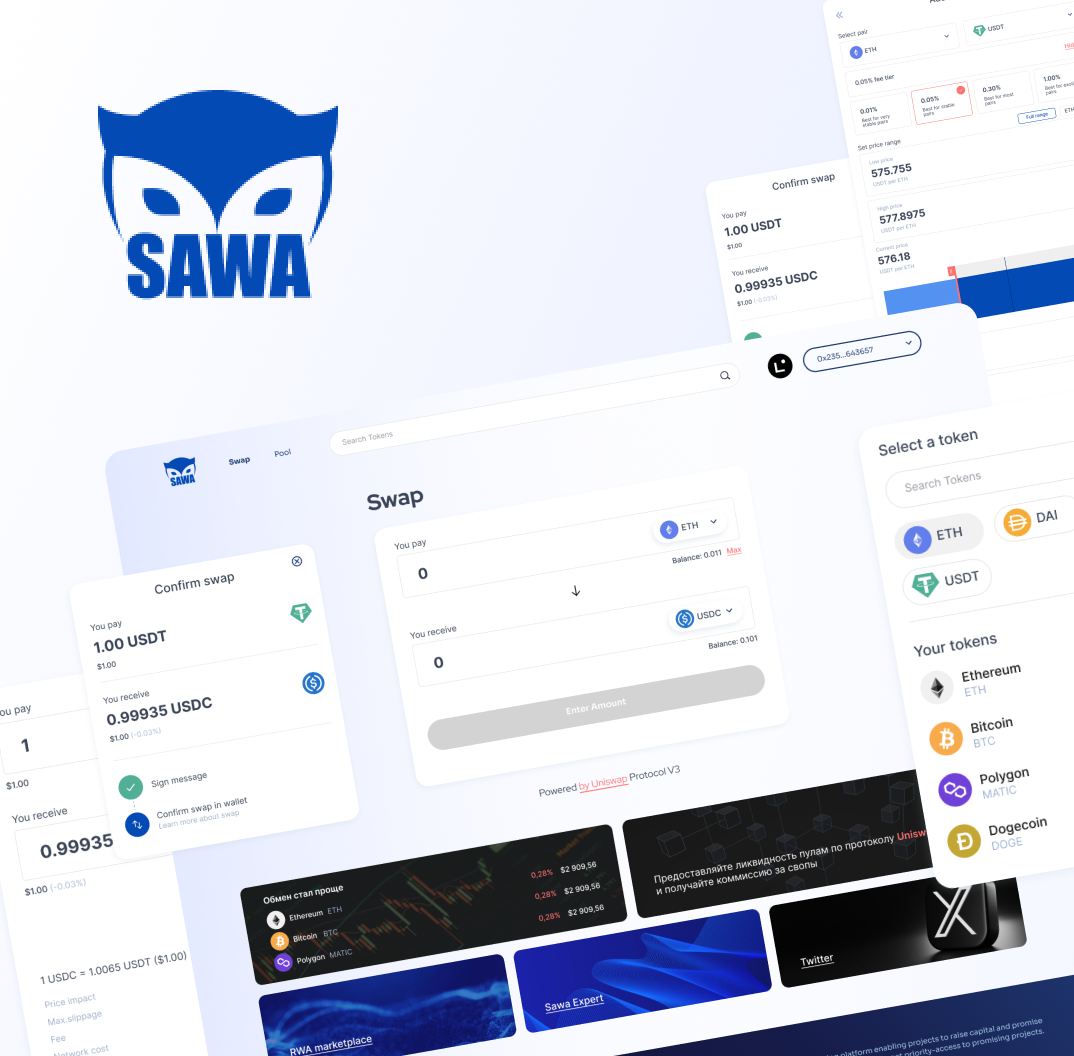
DeFi protocols

We provide services for the development and implementation of DeFi protocols that allow users to exchange and manage digital assets without the need for intermediaries. Our DeFi protocols are based on blockchain technology and guarantee security, transparency, and reliability.

NFT marketplaces

We help create NFT marketplaces that allow artists, collectors, and other creative people to sell their digital assets based on blockchain technology. Our NFT marketplaces guarantee transparency, security, and reliability in all transactions, and also provide innovative capabilities for managing NFTs.

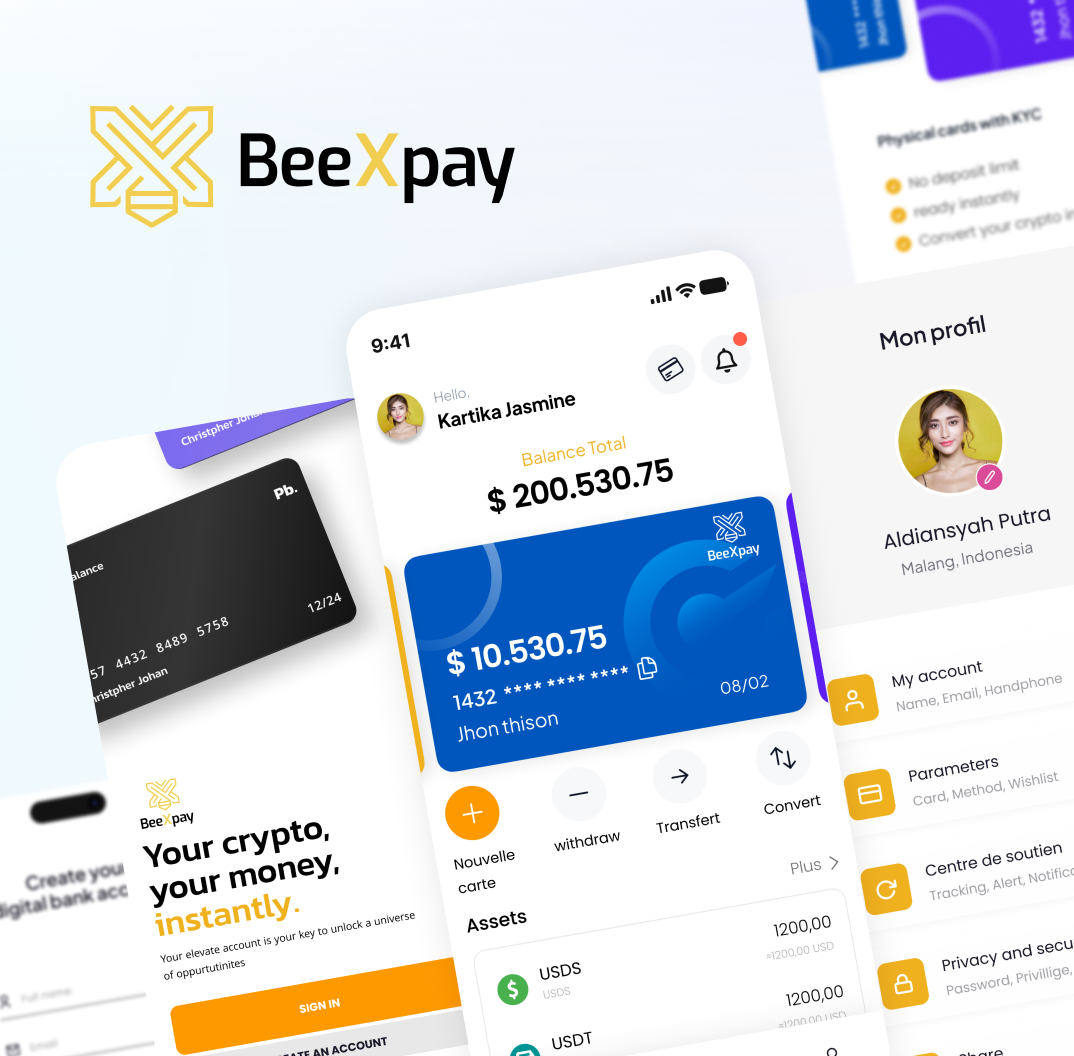
Cryptocurrency wallets

Our company provides services for creating reliable and convenient cryptocurrency wallets that allow you to store, send, and receive various types of cryptocurrencies without the risk of loss or theft. We offer a wide selection of wallets with different functional capabilities to meet the needs of every client.

Blockchains

We offer services for the development and implementation of blockchain technologies for business. Thanks to our solutions, our clients get the opportunity to improve management processes and ensure security and transparency of their operations.

Crypto exchange services

We offer professional creation of crypto exchangers based on the most advanced blockchain technologies. Our team of experienced developers will help you create a unique trading platform that will meet your needs.

Cryptocurrency exchanges

We provide services for creating and supporting crypto exchanges that meet the highest standards of security and performance. Our team of professionals will help you create a unique exchange that will meet your requirements and wishes.

Trading bots

We create intelligent trading bots that help our clients increase profits in the cryptocurrency market. Our bots use advanced technologies and machine learning algorithms to analyze data and make decisions in real time.

development
process
/01
Consultations
At this stage, an initial meeting is held with the client or the customer’s team to clarify the project goals, key requirements, and expectations. Business needs are studied, the problems the project must solve are identified, and possible technologies, architecture, and implementation approaches are discussed.
/02
Planning
At this stage, the following are determined:
  • Scope of work and key functional modules.
  • Technology stack, including the choice of a blockchain platform (e.g., Ethereum, Binance Smart Chain, Hyperledger).
  • Project timeline, including main stages and deadlines.
  • Resources, including team composition and required tools.
The outcome of the stage is a document with the technical specification (TS) and the project roadmap.
/03
Prototyping
An interactive prototype is created to visualize the system’s key функциональные capabilities. This helps понять how the project will work in practice. The prototype may include:
  • Visual representation of user interfaces (UI).
  • Main interaction flows (user flow).
  • Smart contract logic.
  • The prototype is provided for feedback, which helps minimize risks at the next stages.
/04
Design
After the prototype is approved, a full design is developed. At this stage, the following are created:
  • Graphical interface (UI) taking into account usability (UX).
  • Brand identity elements, if required.
  • Design for all platforms, including web and mobile devices.
  • The main focus is on creating an intuitive interface for users.
/05
Development
Active implementation phase. Smart contracts are programmed, covered with tests, and deployed to testnet. In parallel, backend modules are created to interact with the blockchain, wallets, databases, and third-party service APIs. The frontend part is integrated with Web3, Telegram MiniApp, or mobile SDKs. Development is carried out iteratively with regular reviews, pull requests, and CI/CD pipelines.
/06
Testing and audit
A critical stage that determines the project’s security and trust. Unit, integration, and load tests are conducted. QA specialists check the entire user journey — registration, transactions, deposits, withdrawals, interface errors. Next comes an independent smart contract audit (e.g., CertiK, Hacken, or FreeBlock Audit): vulnerabilities are analyzed, tokenomics logic and attack scenarios are reviewed. Fixes are applied, and a final audit report is issued.
/07
Deployment and infrastructure
After passing tests, the code is prepared for release. Smart contracts are deployed to mainnet, RPC nodes, IPFS, CDN, and API gateways are configured. CI/CD infrastructure is implemented for automated deployment and updates. Monitoring systems (Grafana, Prometheus, Sentry), event logging, and alerts are set up. A domain is registered, SSL certificates are configured, and data backups are arranged. Everything must run без downtime and with rollback capability.
/09
Launch and marketing
The project release is accompanied by a promo campaign. Landing pages, press releases, social media, AMA sessions, and community partnerships are created. Analytics (Dune, Mixpanel, Google Analytics) is подключается to track user behavior and engagement metrics. If the project has a token, an initial offering (ICO, IDO, fair launch) is conducted with legal and marketing support. The goal is to attract users, investors, and liquidity.
/08
Support and scaling
After launch, the team moves into the support phase. Bugs are fixed, updates are внедряются, gas costs and performance are optimized. New networks (multi-chain), integrations, modules, and partnerships are added. 24/7 user support is organized. Reports, roadmaps, and progress metrics are published for investors and the community. At this stage, the project becomes a mature product, ready for scaling and attracting large clients.

some our projects

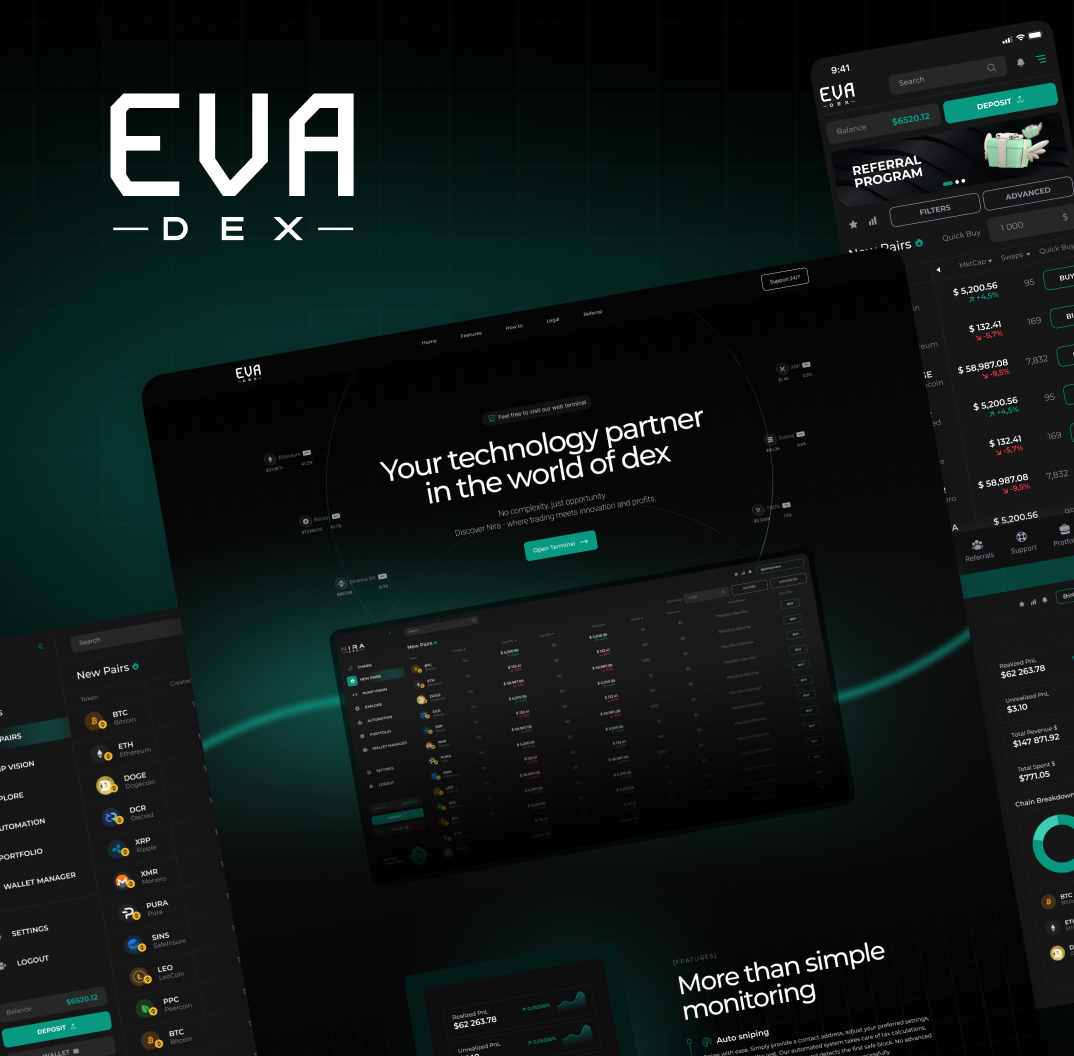
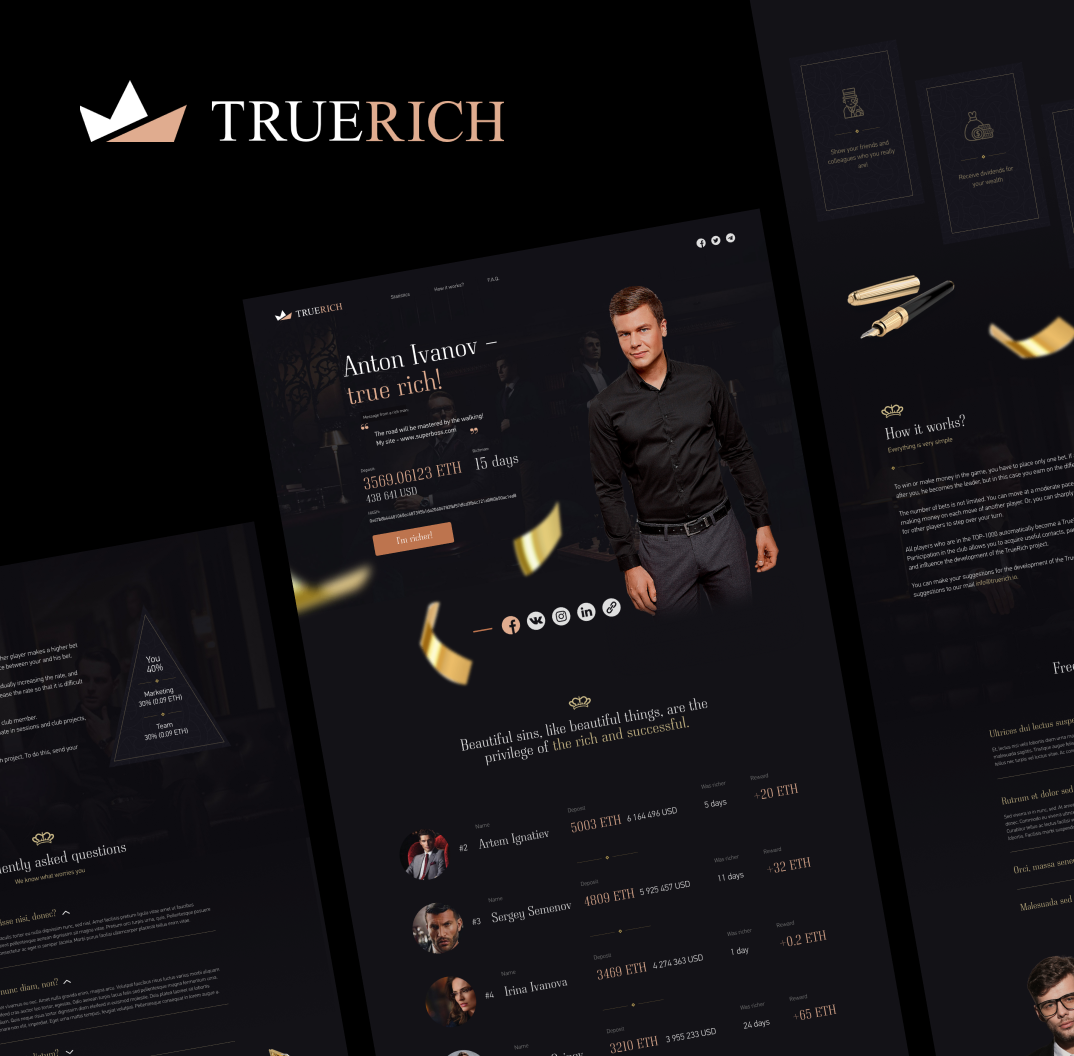
TrueRich
`24

Blockchain game on an Ethereum smart contract

CryptoDilla
`24

Cryptocurrency Exchange Aggregator

Mr.mole
`24

Ripple Token Rating

Xide
`24

Stock Market Rating System

Crocobit Extansion
`24

Google Chrome Extension — Cryptocurrency Wallet

FreeMoon
`24

Landing page for a crypto project

FunFund
`24

Website for token sale and scheduled claiming

Hidden Beauty
`24

NFT collection and Polygon bridgev

our
tech­no­log­ies
Behind every technology icon are dozens of completed projects. We know which stack will work best where, which blockchain to choose, and how to build a reliable infrastructure. This allows us to launch products without the pain of scaling and support.
FREEBLOCK BLOG
Other
Animation in Browser Games: Performance Challenges and Practical Solutions
Modern materials on web animation performance confirm that heavy and long-running animations seriously drain battery and slow down the interface, especially on mobile devices. Let us break down the main problems and the practical solutions available to browser game developers. ``` Typical sources of pain: Many heavy sprites A sprite is an image of a character or object. Games often use sprite sheets — one large sheet with animation frames. If the sheets are huge, all of that has to be loaded over the network, unpacked, and kept in memory. Long frame-by-frame animations Each frame is a separate image. The longer and more detailed the animation, the more files and memory it requires. This is especially painful on mobile devices. Full scene switching Switching a level or screen often means loading a new set of sprites and backgrounds. If the asset structure and caching are not thought through in advance, the player will spend more time looking at a loader than actually playing. Rendering issues during transitions between pages In SPA and game frameworks, these are transitions between screens. If old canvases, listeners, and timers are not cleaned up, you can end up with double rendering and memory leaks. Different devices and browsers What runs perfectly on desktop may lag on a cheap Android device. Mobile browsers strictly monitor battery usage and may throttle animations and requestAnimationFrame. The first rule of optimization is: animate as little of the scene as possible. Create a static underlay — a background that barely changes. Move “live” elements such as characters, effects, and UI into separate layers. Do not build the architecture in a way where any tiny animation requires the entire background to be redrawn. A classic example is parallax: background layers (mountains, sky, distant objects) move more slowly, foreground layers (grass, trees, characters) move faster. In this case, the background itself can remain one large raster image, while only several layers on top of it are moving. Anti-pattern: an animation that forces the browser to redraw the entire scene every frame. This will almost certainly lead to FPS drops, especially if DOM or SVG is used. “Complex animation” should be understood not only as the number of objects, but also as how exactly they change over time: Simple animation — an object just moves along x and y, sometimes scaling or rotating. Complex animation — an object changes shape, is split into many separately moving parts, follows long non-linear trajectories, and so on. Good practice: animate sprite coordinates and transformations as much as possible (movement, rotation, scaling), instead of playing a long frame-by-frame animation with a hundred frames. JavaScript animation via requestAnimationFrame plus changing object positions in Canvas or WebGL is usually a more efficient approach than huge frame-by-frame sprite sheets, if you handle textures properly and do not keep touching the DOM. If frame-by-frame animation is still unavoidable, limit the number of frames and think it through already at the visual design stage. Extra in-between frames often do not create a noticeable visual difference, but they heavily increase weight and memory usage. Where possible, there is no need to invent a new sprite — it is better to reuse existing ones: The same set of tiles or objects can appear multiple times in a level. The same character sprite can be recolored with a shader or filter instead of storing a separate texture for every color. Libraries such as PixiJS and game engines use this to optimize the number of draw calls — calls to the GPU. A texture atlas is one large texture containing many small packed sprites. This is a classic optimization technique: fewer texture switches, fewer draw calls, better rendering batching. It is important to understand two things: Complex animation is long motion with changes in shape, size, and/or lots of moving parts. Raster vs vector is a trade-off of “memory ↔ computation.” Raster is an image made of pixels (PNG, WebP, JPEG). Pros: great for detailed scenes and textures; once rendered, you simply copy pixels to the screen, which fits GPU and video memory cache behavior well; works well in classic sprite-based games. Cons: frame-by-frame animation = many frames = many files and a lot of memory; lossless scaling is only possible within reasonable limits, otherwise the image becomes blurry. Summary: complex art belongs in raster, but be careful with animation length and sprite sizes. Vector is a description of geometry — lines, curves, shapes — rather than pixels. On the web, this is most often SVG. Pros: light initial weight, especially if the graphics are simple; scales perfectly to any resolution; allows complex and long animations without frame-by-frame sprites. Cons: the vector still has to be rasterized into pixels, and that means CPU/GPU computation; in complex scenes with lots of curves and filters, SVG can critically load the processor and lag, especially in browsers optimized for raster rendering. Bottom line: SVG is well suited for UI, simple effects, and small scenes, but building an entire game in SVG is a performance risk. Pixel art is still raster, but with a very small base resolution and strict pixel-based rules. Features and recommendations: Limited palette (often indexed colors). Small sprites → small textures → excellent performance. Sprites should be scaled by integers (×2, ×3, ×4), otherwise the image will blur. Use PNG/WebP formats with correct compression settings and color scheme. Be sure to disable smoothing (image-rendering: pixelated and canvas equivalents), otherwise the whole point is lost. For complex scenes with many sprites and effects, it is better to use WebGL to leverage the GPU. The main drawback is the requirements placed on both the artist and the developer. Making good pixel art properly is harder than simply “shrinking an image.” Video animation is a “cheap and cheerful” option when you need a rich animated sequence but do not have the resources to build a live interactive scene. Pros: easy to implement (a regular <video> or background video on canvas); all effects are pre-baked, so at runtime you are simply decoding the stream. Cons: video decoding is a heavy task for CPU/GPU; the clip takes up a noticeable amount of traffic and cache; the animation is not interactive. If video is used at all, then: keep the clips short, use the maximum possible compression without destroying quality, handle autoplay carefully on mobile. 3D in the browser means WebGL/WebGPU, many shaders, and a serious load. In the context of ordinary 2D games, this is an extreme case reserved for situations where the task cannot be solved with sprites, 2D shaders, and parallax. There are several rendering stacks in the browser: Good for interfaces and simple effects, bad for games with a large number of objects. With many elements, layout and reflow quickly become the bottleneck. Convenient for icons, diagrams, and UI. For active animation of dozens or hundreds of elements, it often becomes CPU-bound, especially on mobile. Suitable for small and medium games where the number of sprites is limited. As the number of objects grows, it starts to lose to WebGL, because rendering is CPU-side and optimizing draw calls is harder. Uses the GPU and was originally created for high-performance interactive graphics. For a large number of sprites and effects, WebGL provides a noticeable gain in performance and scalability. In practice: a simple 2D game with a dozen objects — Canvas 2D or a ready-made engine, complex scenes, many sprites, effects — WebGL (PixiJS, Phaser, a custom engine). Static background, only the required elements are animated. Optimal layer structure (background layer, character layer, UI layer). Do not animate what the player cannot see (off-screen, under an overlay, and so on). For JS animations, use requestAnimationFrame rather than setInterval. The browser synchronizes frames with the screen refresh rate and can throttle hidden tabs so as not to burn battery. It is often reasonable to limit FPS (for example, to 30–45 FPS on mobile) if the visual difference is minimal while battery life improves noticeably. Group sprites into atlases by scene or level. Do not keep everything in memory at once — load assets as needed. Make sure that active sprites of the same scene live, whenever possible, in one or several atlases close in purpose. Clear references to textures and objects that are no longer used. In engines such as PixiJS, Phaser, and others, explicitly call texture and buffer cleanup if the engine does not do this by itself. Avoid creating new objects every frame — reuse them whenever possible. Use browser DevTools: Performance tab — to understand where time is being spent: JS, layout, paint, GPU; Memory — to catch leaks; FPS metrics (often built into the Performance panel or the engine). Profile on real devices, especially weak phones — that is where you will understand exactly where animation kills performance and battery life. Sometimes it makes sense to combine formats and technologies: Vector background + raster sprites A lightweight background that loads quickly, while characters and effects remain raster-based to avoid loading the CPU with complex vector rendering. Raster background + vector effects/UI A heavy, detailed raster background, with vector icons, interface elements, light shapes, and effects on top. The downside is obvious: these grow: bundle size (several libraries, different pipelines), the complexity of project build and support. But if everything is thought through, this can provide an excellent balance between visual quality and performance. To keep animation in a browser game from killing FPS and battery life, keep several simple rules in mind: Animate as little of the scene as possible. Reduce animation complexity: wherever possible, move objects instead of playing dozens of frames. Choose the graphics format based on the task: detailed background → raster, simple and scalable graphics → vector, maximum performance → well-designed pixel art. Use sprite sheets and atlases to reduce draw calls and texture switching. Optimize for mobile: FPS, animation duration, requestAnimationFrame behavior in the background. Profile and test on real devices, not only on your top-end laptop. Then the browser game will look alive instead of melting together with the player’s device. ```
8 minutes to read
block­chains
Behind every blockchain logo are dozens of products we've launched. We understand which stack and network are best suited to your needs, how to build a reliable infrastructure, and prepare for increased workload. This allows you to launch your product faster, more securely, and with less pain when scaling and maintaining it.
We process cookies. By staying on the site, you give your consent to the use of cookies in accordance with the privacy policy

Submit an application

!
The field is filled in incorrectly
!
The field is filled in incorrectly